
系统常用字体设置
61 字
1 分钟
系统常用字体设置
MesloLG Nerd Font
这个字体配合 iterm2 控制台使用
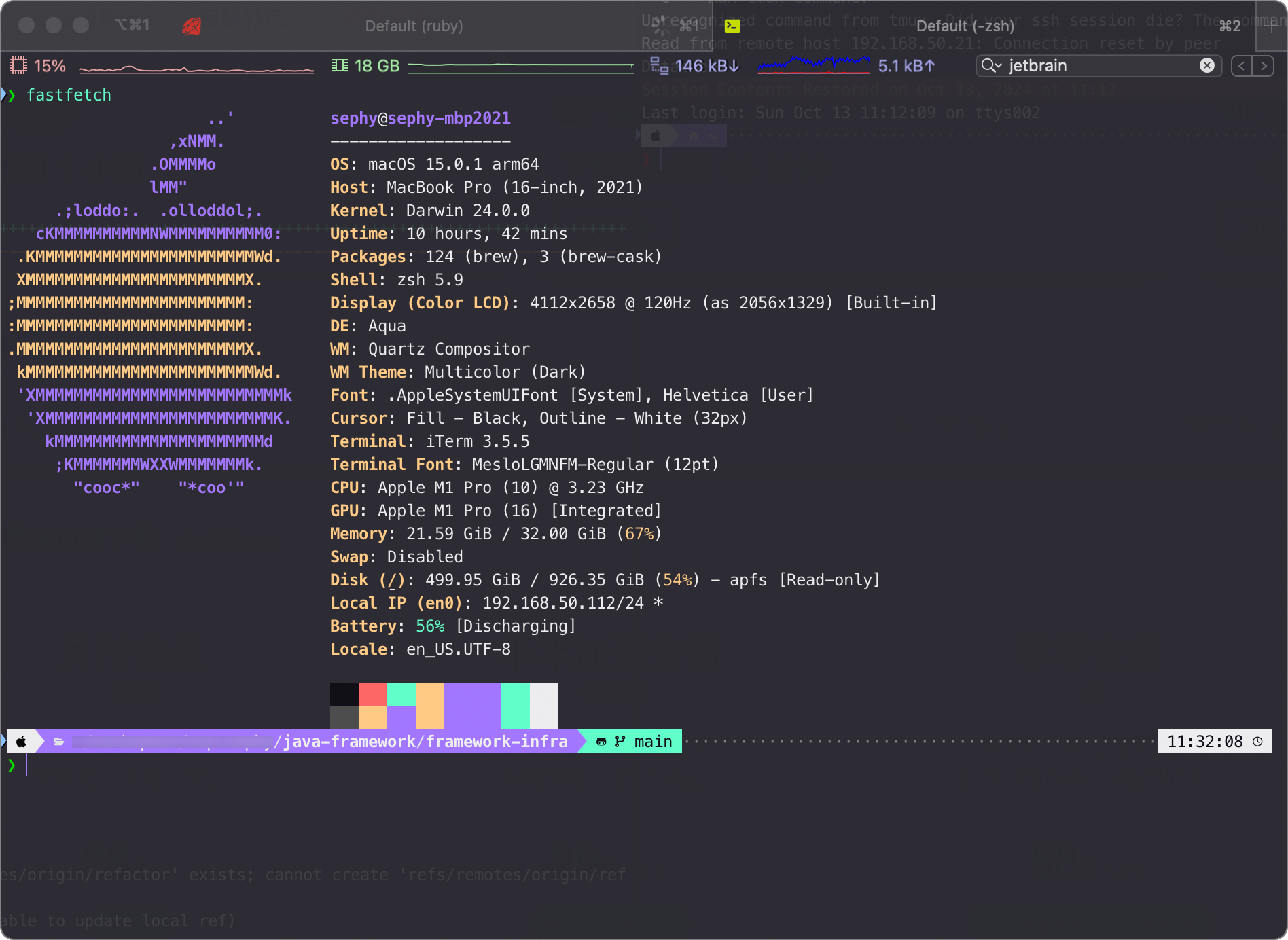
安装 font-meslo-lg-nerd-font
brew install --cask font-meslo-lg-nerd-fontJetBrains Mono Nerd Font + Maple Font
英文 = 0.5 中文字符,配合 IntelliJ 实现中英文等宽对齐
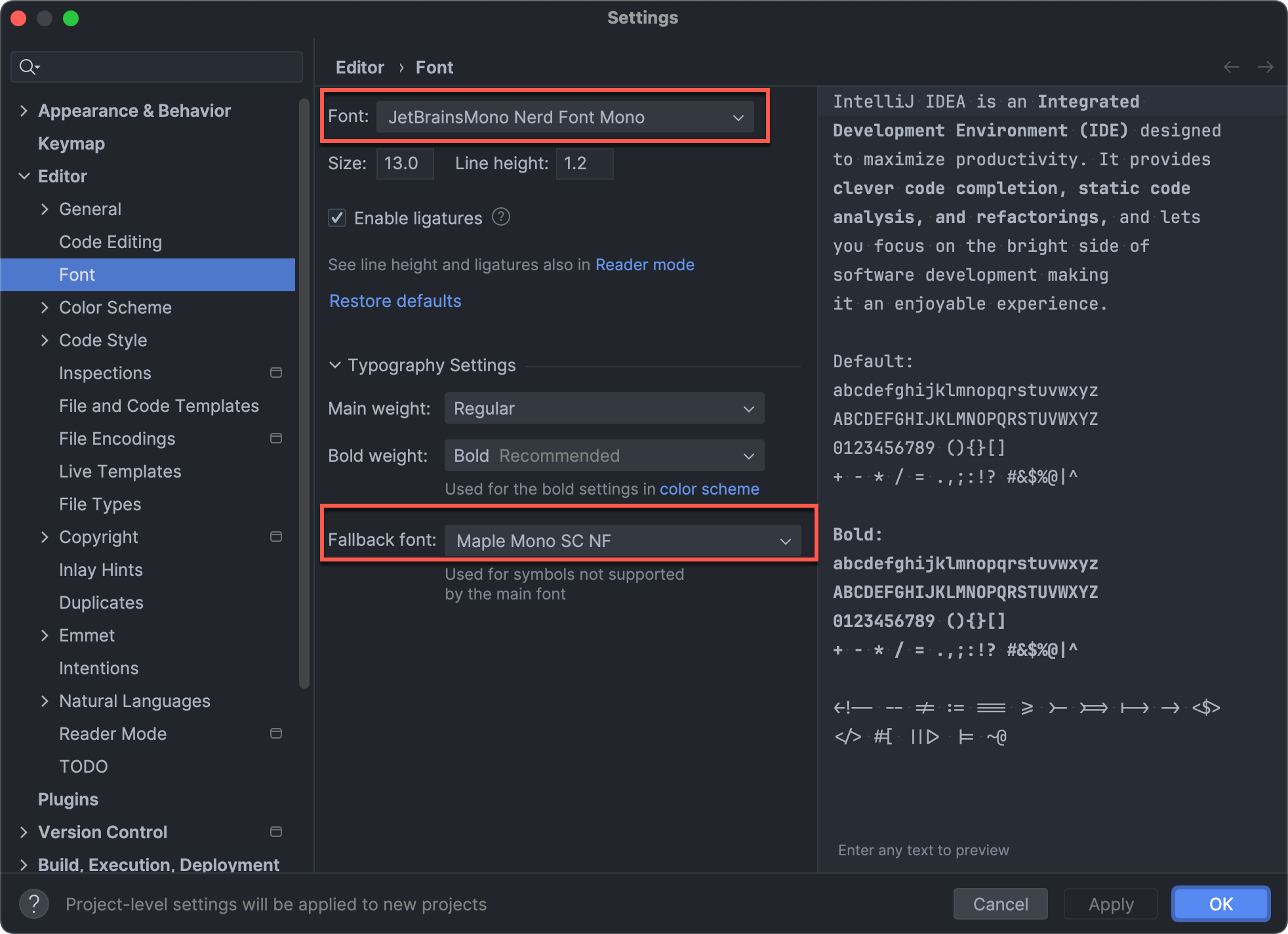
安装 font-jetbrains-mono-nerd-font
brew install --cask font-jetbrains-mono-nerd-font📎 参考文章
文章分享
如果这篇文章对你有帮助,欢迎分享给更多人!
相关文章智能推荐
1
从 cc-connect 看 Codex CLI 的交互模式:stdin、stdio 与 HTTP
AI以 cc-connect 调用 Codex CLI 为例,拆解 exec、app-server、stdin/stdout 和 JSON-RPC,再和 HTTP 的通信模型做对照。
2
把 MCPHub 部署在 Homelab 上:统一管理 MCP 服务的实际体验
AI记录我把 Linear、Cloudflare、Bytebase 等 MCP 服务集中部署到 Homelab 后,解决多设备重复配置、token 分散和 MCP 地址过多问题的实际体验。
3
企业为什么需要 MCPHub:从统一接入到工具治理
企业AI从 MCP 服务集中接入、凭据治理、分组授权、监控审计和运维边界出发,讨论 MCPHub 在企业 AI 工具治理中的实际价值与局限。
4
什么是 MCP:从工具调用到标准化上下文协议
企业AI从协议分层、工具与 MCP 的区别,到 HTTP MCP 服务的 OAuth 授权发现流程,梳理 Agent 接入 MCP 时真正需要理解的标准和边界。
5
从海运入仓开始,梳理海外仓常见业务术语
物流用一批家具从宁波港发往洛杉矶海外仓的例子,串起 FCL、LCL、ETD、ETA、LFD、Demurrage、Detention 等常见术语。
随机文章随机推荐